From a demo to a working clinic
Six steps, in the order they actually happen. Most of the work is content — your lists, your letterhead, your fees — not installation.
1. Open a demo, on your own
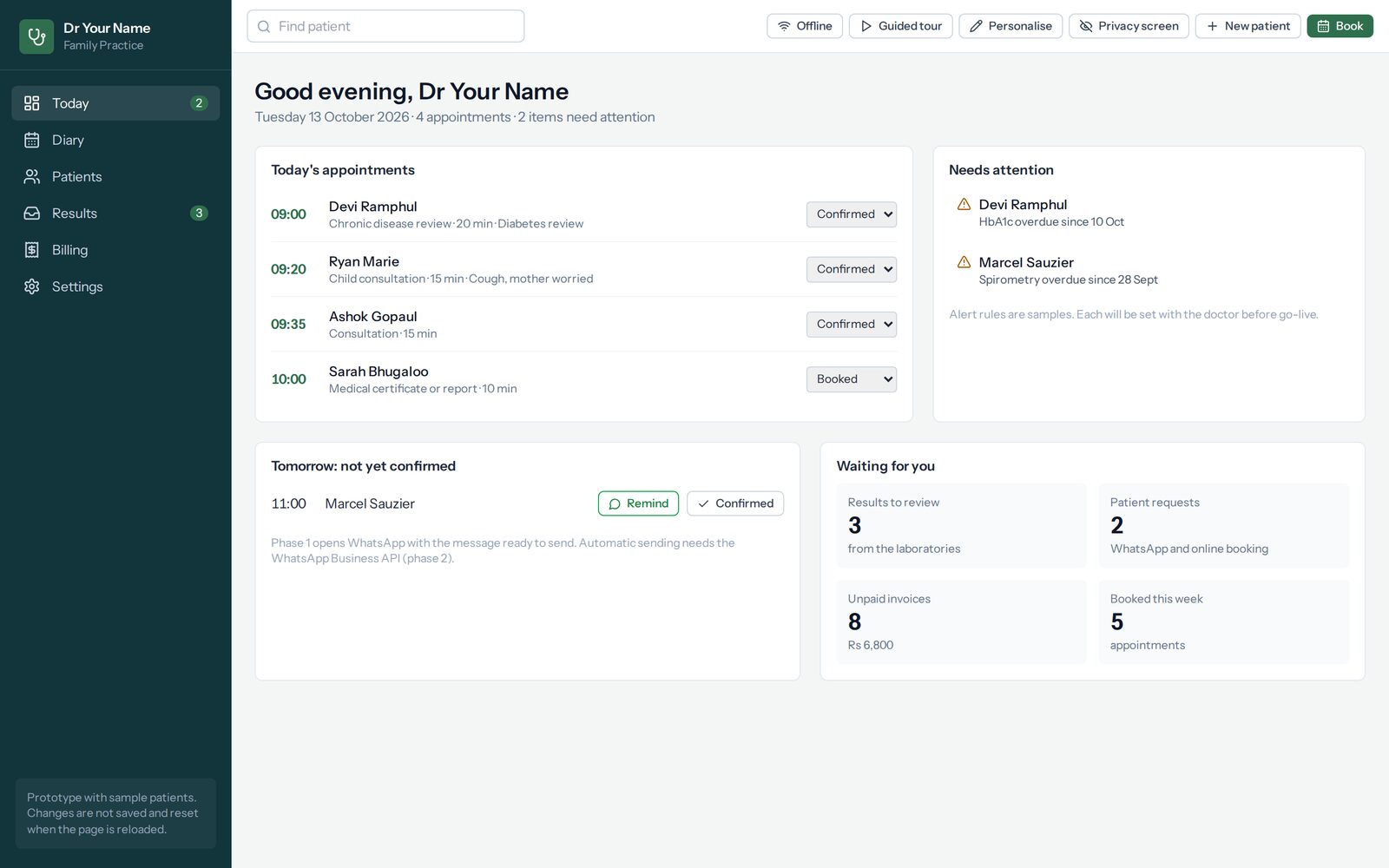
Nine specialties are running on this site with sample patients in them. No account, no card, nothing to install, and nobody is told you looked. Click through a morning, write a consultation, print a prescription, and see whether the lists are the ones you would use.
It is worth doing before we meet. A doctor who has already opened the demo asks sharper questions, and the hour we spend together is better spent on your practice than on a tour.
2. An hour in your own rooms
We come to you, with the specialty pack for your own field open, and you tell us where it is wrong. This is the part that matters most and the part that takes the least effort from you: you talk about how your clinic runs and we write down what has to change. Nothing is signed, and nothing is installed that day.
Bring the things you print — a prescription, a certificate, an invoice for an insurer — because those are what a doctor notices if they come out wrong.
3. Your practice is set up
Hosted, this is your own address and your own database, run in a data centre in Mauritius. Bought outright, it is a machine in your own practice and the records never leave it. Either way, what gets set up is the same list of things:
- The pack for your specialty — consultation forms, diagnoses with their ICD-10 codes, medicines, investigations and recalls
- Your letterhead, so a prescription comes out looking like yours
- Your appointment types, with their real durations and fees
- Logins for the people who work with you, at no extra charge
- Your existing patient list, imported from a spreadsheet if you have one
- The tablet and the printer, if you asked for them, set up before they arrive
A practice with a tidy patient list is running within the week, which is the claim on the front page and it holds. What stretches it is never the software: it is a list kept in three places with the same patient spelled two ways. That part is better done once, properly, than rushed.
4. Your team is trained, on your own system
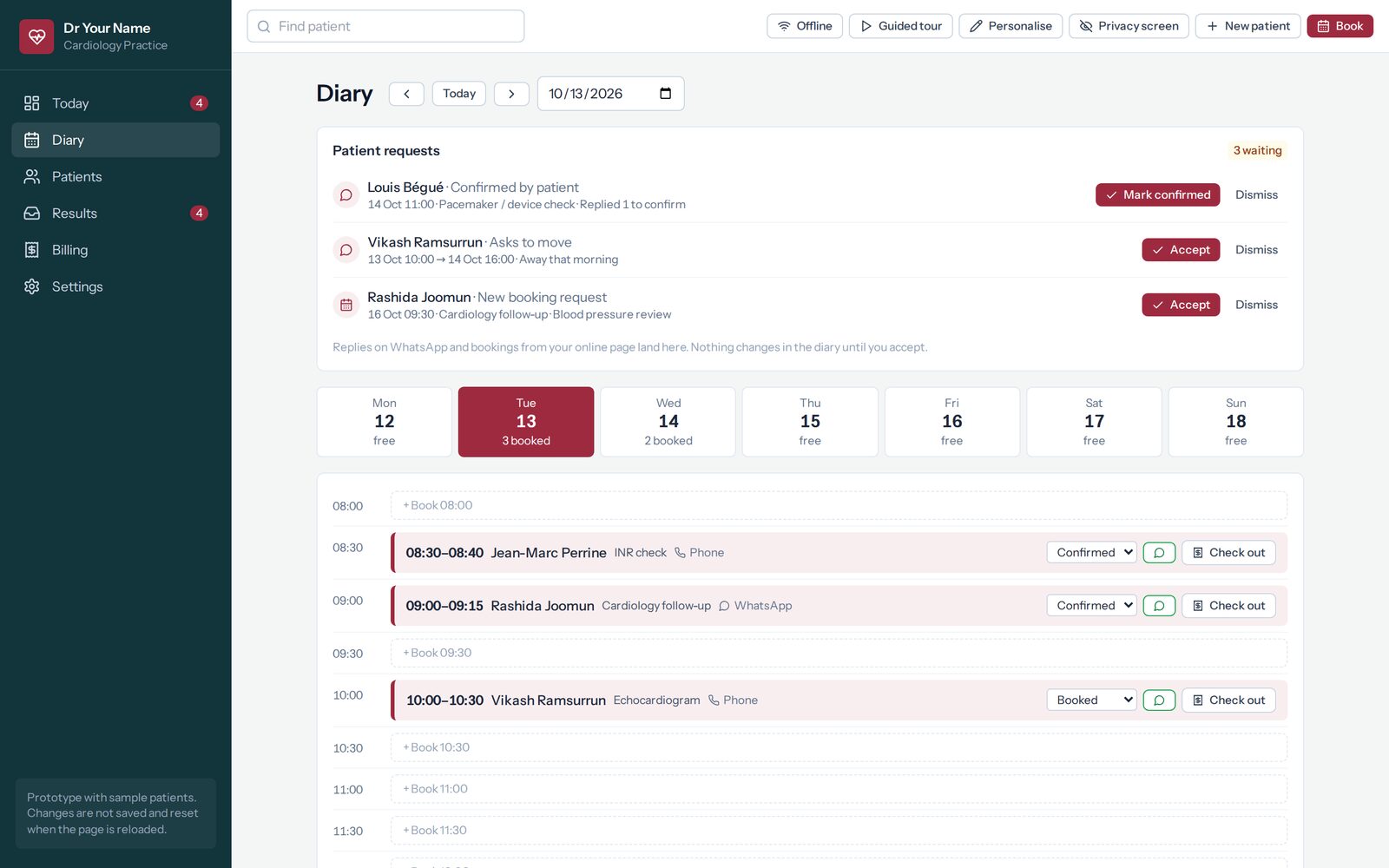
Training is on your own data, not on a demo, because the questions people actually have are about their own patients and their own fees. The doctor and the receptionist need different halves of it: one lives in the record, the other lives in the diary and the invoices.
Nothing here is hidden behind a course. The lists are yours to edit in the browser from the first day — a diagnosis you never use, a medicine spelled the way you say it, a new appointment type — without waiting for us.
5. The first clinic day
Somebody from us is reachable all of it. The first day is when the small things surface — a fee that should have been different, a form with a field in the wrong order, a letter that needs another line — and they get fixed while you are still in clinic rather than written down for later.
If the internet goes down that morning, the clinic carries on. A consultation written with no connection is kept on the device and syncs when the connection returns, and the record you are looking at is the one on the screen in front of you.
6. Afterwards
Backups that are proved
Hosted, a backup is taken every night, restored into a scratch database and checked before it is kept. A backup nobody has restored is a hope, not a backup. Bought outright, we set the same thing up with you and show you how to prove one works.
One person to call
Not a queue and not a form. Updates and support are included while you are hosted, and quoted per year on an outright licence. WhatsApp is the fastest way to reach us, and it is the number at the bottom of this page.
The paperwork
The Data Protection Act 2017 documents come with it: privacy notice, processing agreement, retention schedule and breach procedure. Your practice is the controller and Praxia is the processor, which is the right way round.
Two things worth knowing before you start
Your records are never held hostage. If a licence lapses, Praxia goes read-only — and read-only still reads, searches and prints every record in it. Whatever happens between us commercially, a patient’s file is a patient’s file.
It records, it does not decide. Praxia does not diagnose, does not interpret a result or an image, and does not calculate a dose — in oncology least of all. It writes down what you found and what you decided, and flags only what crosses a threshold you set yourself.
Start where it suits you
Open a demo tonight and ask nothing of anybody, or tell us the specialty and how many doctors and we will come to you. Both lead to the same place.